
Embarking on a home renovation, whether it's a simple interior paint job in Salinas or a complete overhaul of a Carmel estate, can feel overwhelming. Juggling budgets, timelines, materials, and contractors requires meticulous organization. A dedicated home improvement project planner is the key to transforming a chaotic process into a streamlined, manageable, and even enjoyable experience.
This guide provides a comprehensive review of the best home improvement project planner tools available, from sophisticated 3D modeling software to simple organizers. Whether you're a first-time homebuyer in Pacific Grove or managing a Salinas home renovation, the right tool will help you maintain control and bring your vision to life efficiently.
1. Houzz – Projects from Houzz
Houzz stands out as an all-in-one visual discovery engine and project management hub. It's an essential home improvement project planner for homeowners, bridging the gap between inspiration and execution.
The platform's strength lies in its integrated ecosystem. You can create "Ideabooks" by saving photos, then directly connect those ideas to a project plan. For homeowners in Monterey County, this means you can find design inspiration and then immediately search for vetted contractors in areas like Carmel or Salinas.
Key Features and User Experience
Houzz provides its core planning tools for free, though an account is needed to save your work. The user interface is highly visual, but the sheer volume of content can be overwhelming for first-time users.
- Pros:
- Massive library of inspirational photos and articles.
- Free, robust project planning and budgeting tools.
- Integrated directory to find and hire local professionals.
- Cons:
- The platform can feel cluttered with ads and sponsored content.
- Finding specific, niche project information can require some digging.
A practical tip is to start with their style quiz to narrow down your aesthetic preferences. For complex projects, finding qualified professionals is crucial, and Houzz provides a directory to help you vet potential partners.
Website: https://www.houzz.com/home-project-planner
2. Planner 5D
Planner 5D is a powerful, design-focused home improvement project planner that excels at detailed visual planning. It empowers users to create intricate 2D and 3D floor plans and room layouts.
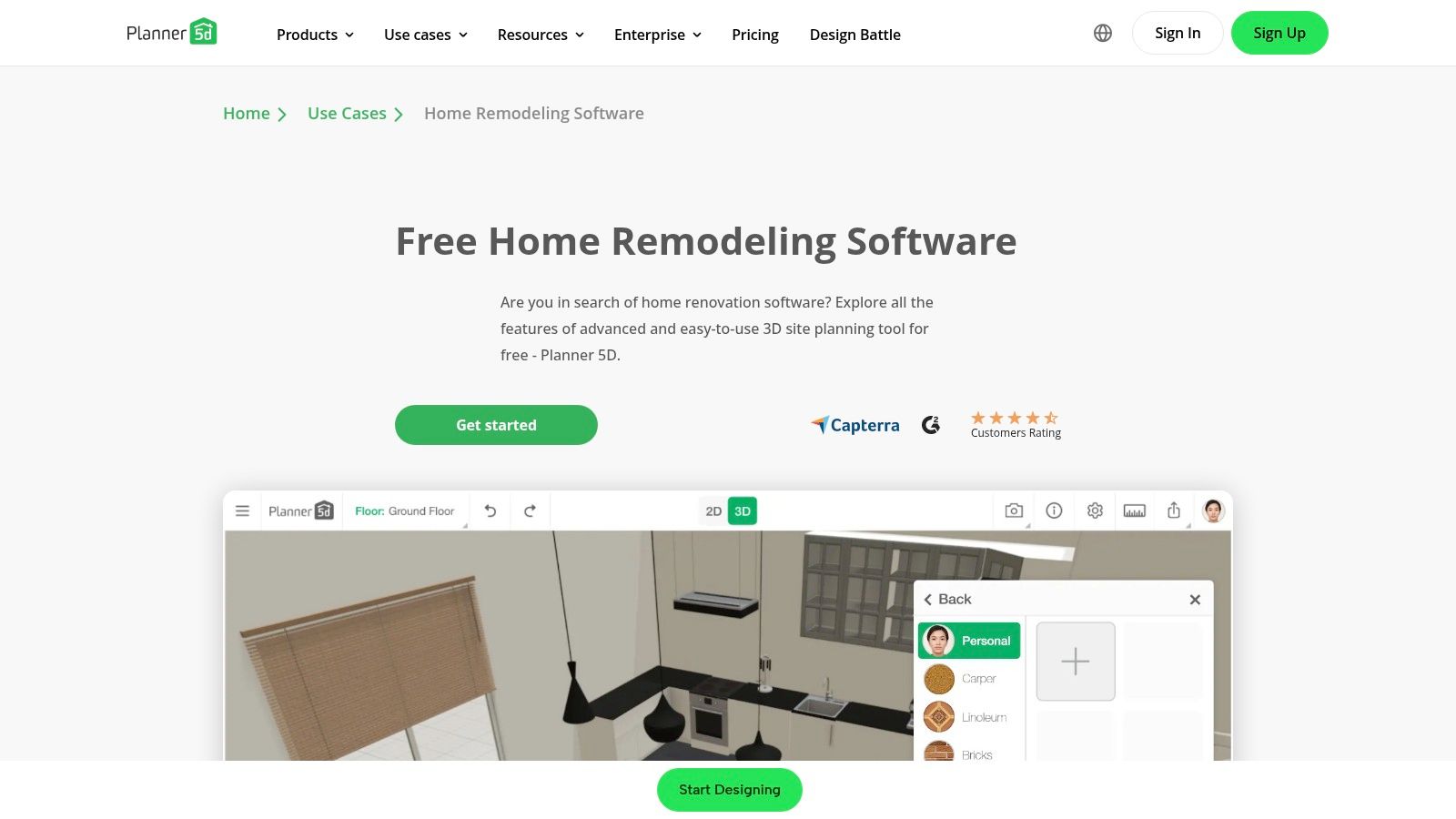
The platform’s strength is its intuitive drag-and-drop interface. This allows homeowners in places like Pacific Grove or Salinas to experiment with different layouts, color schemes, and finishes in a realistic 3D environment. Its support for VR provides an immersive way to experience your future space.
Key Features and User Experience
Planner 5D is accessible from a web browser, with a free version that covers essential design functions. The interface is clean and user-friendly, though rendering complex 3D scenes can be resource-intensive.
- Pros:
- Highly intuitive drag-and-drop design tools.
- Free version provides substantial functionality for basic planning.
- Produces high-quality 2D and 3D renderings for clear visualization.
- Cons:
- Advanced features and the full item catalog require a paid subscription.
- Can be graphically demanding, potentially slowing down older systems.
A practical tip for Monterey County homeowners is to use Planner 5D to create a detailed visual plan. Share it with your contractors to ensure everyone has a clear, shared vision of the project goals.
Website: https://planner5d.com/use/home-remodeling-software
3. RoomSketcher
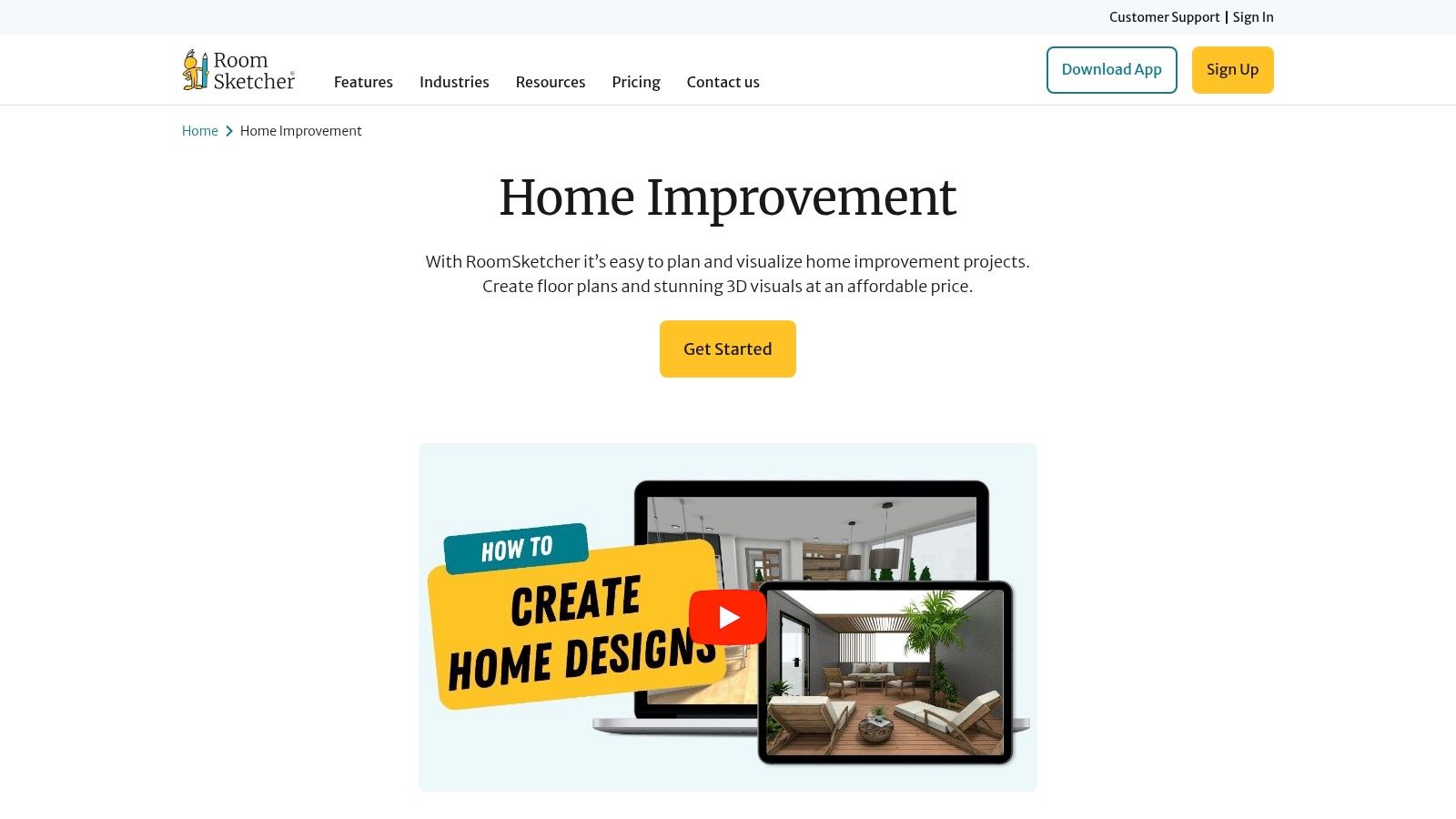
RoomSketcher excels in visual planning, making it an indispensable home improvement project planner for anyone who needs to see their ideas come to life. It empowers you to create detailed floor plans, furnish rooms, and generate stunning 3D visualizations.
Its primary strength is its user-friendly interface. For homeowners in Monterey County, this means you can experiment with different layouts for your Pacific Grove cottage or visualize an open-concept living area for your Salinas home before speaking to a contractor.
Key Features and User Experience
RoomSketcher operates on a freemium model. You can create an account and start designing for free, but generating high-quality outputs requires purchasing credits or a subscription. The interface is intuitive and easy for beginners.
- Pros:
- Extremely user-friendly for beginners with no design experience.
- Professional-quality outputs, including 3D photos and 360 views.
- Affordable pricing tiers for accessing advanced features.
- Cons:
- The free version is quite limited in its export capabilities.
- The furniture and fixture library, while extensive, may lack specific styles.
A practical tip for Monterey residents is to use the tool to create a "before" model of your current space. This gives you a clear baseline to design against, ensuring your renovation plans are both ambitious and achievable.
Website: https://www.roomsketcher.com/home-improvement/
4. ClickUp – Home Improvement Project Planner Template
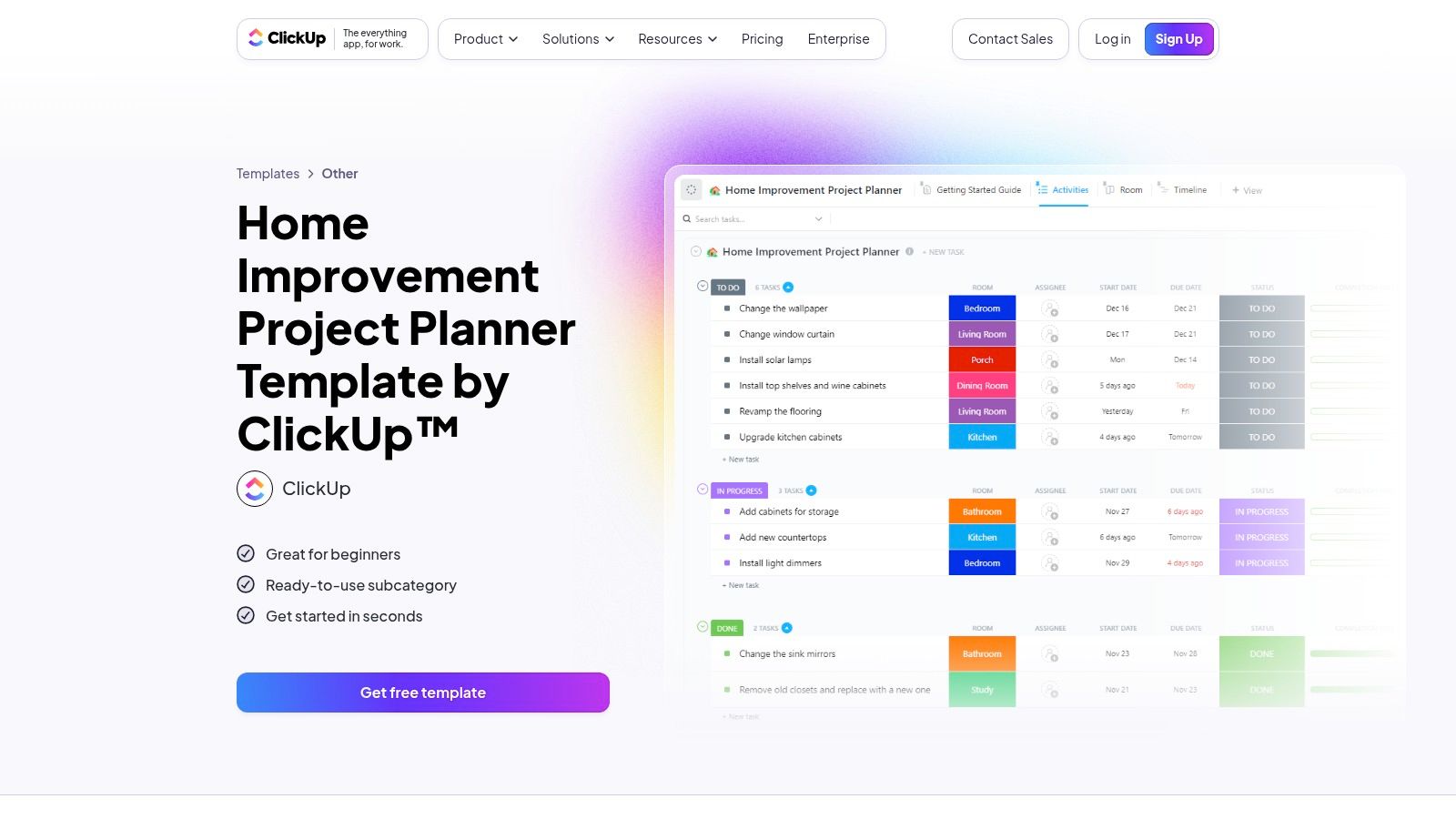
ClickUp transitions from a general productivity powerhouse to a specialized tool with its dedicated home improvement project planner template. It excels at breaking down complex renovations into manageable, trackable actions.
Unlike visual-first platforms, ClickUp's strength is its data-driven, task-oriented approach. You can create detailed task lists for your kitchen remodel in Salinas, assign them to family members or contractors, and set specific deadlines.
Key Features and User Experience
ClickUp's template is available on its free plan, which offers substantial functionality. The interface is clean but can feel complex for those unfamiliar with project management software, presenting a notable learning curve.
- Pros:
- Highly customizable with custom fields, statuses, and views.
- Powerful free version that is sufficient for most home projects.
- Integrates with numerous other productivity and communication tools.
- Cons:
- Can be overwhelming for users seeking a simple, visual planner.
- Some advanced views, like certain Gantt chart features, are behind a paywall.
A practical tip for Monterey County homeowners is to use the different views to your advantage. Use the "List" view for a straightforward task list and switch to the "Timeline" view to visualize your project schedule.
Website: https://clickup.com/templates/home-improvement-project-planner-t-211290544
5. Magicplan
Magicplan brings the power of augmented reality directly to your renovation, transforming your smartphone into a sophisticated measuring and floor plan creation tool. It stands out as an exceptional home improvement project planner for capturing accurate room dimensions quickly.
The platform excels by using your phone's camera to scan a room and automatically generate a 2D and 3D floor plan. For homeowners in Monterey County, this means you can walk through your Salinas home or Carmel condo and capture the layout in minutes.
Key Features and User Experience
Magicplan offers a free version that allows for the creation of two projects. To unlock unlimited projects and advanced features, a subscription is required. The mobile interface is remarkably user-friendly and intuitive.
- Pros:
- Incredibly fast and accurate room scanning with AR technology.
- Generates both 2D and 3D floor plans for better visualization.
- Excellent for both DIY enthusiasts and professionals on the go.
- Cons:
- The free version is quite limited.
- Advanced features like cost estimation and reporting require a paid plan.
A practical tip for Monterey residents is to use the free version to map out one or two key rooms, like a kitchen or bathroom. This provides a powerful visual aid when discussing your project with contractors.
Website: https://www.magicplan.app
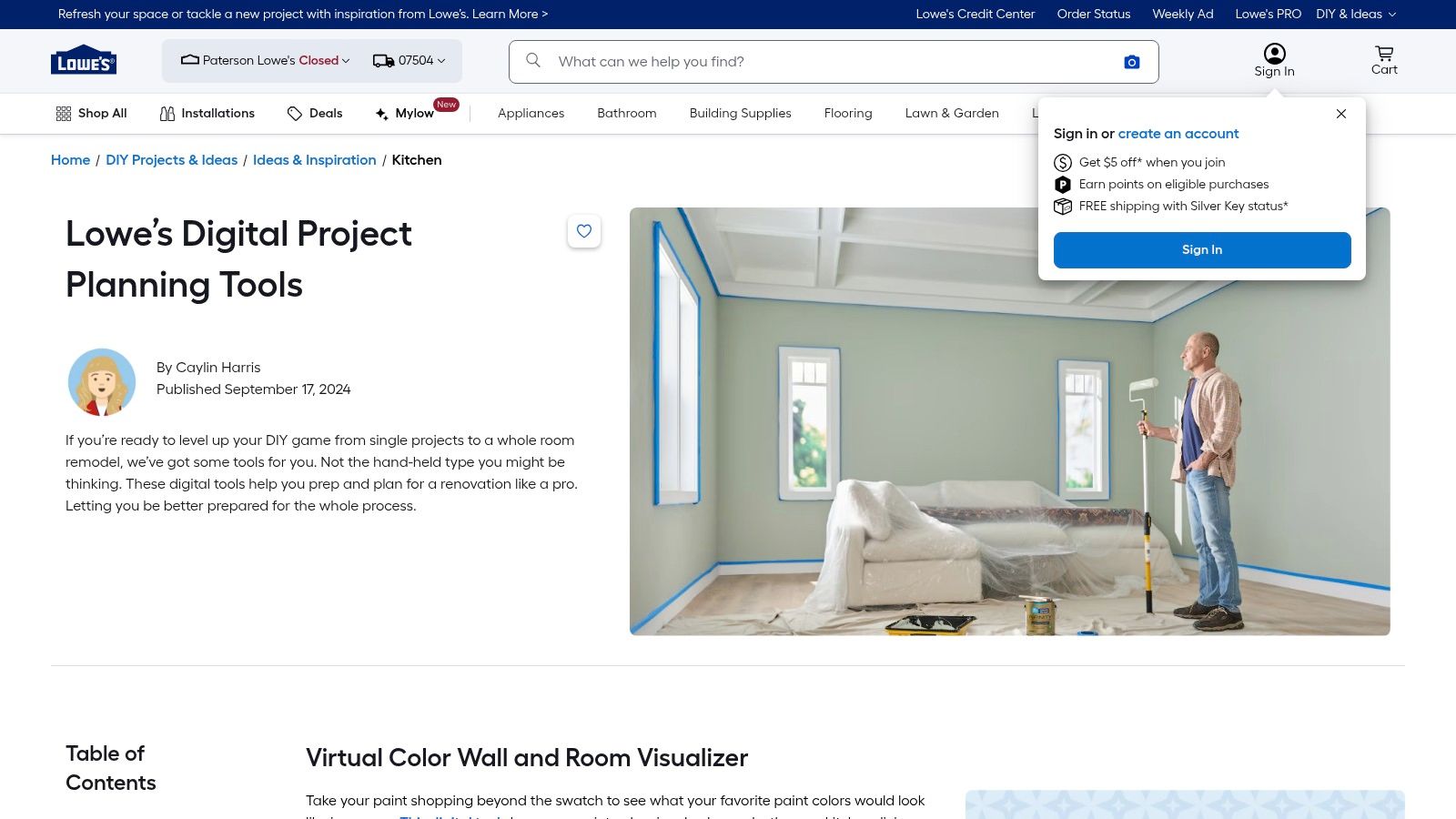
6. Lowe’s Digital Project Planning Tools
Lowe’s offers a practical suite of digital tools designed to help homeowners visualize and budget for their projects. As a home improvement project planner, it stands out by directly connecting planning with purchasing.
This integration is its core advantage. You can use their visualizer tools to see how a new paint color will look, then immediately add the required products to your cart. For homeowners planning a weekend project, you can design, budget, and schedule a store pickup in Salinas all from one place.
Key Features and User Experience
Lowe’s provides its planning tools for free, making them a no-risk option. The interfaces are user-friendly and designed for quick use, focusing on specific tasks like material calculation or room visualization.
- Pros:
- Completely free to use, with no hidden costs.
- Directly integrated with Lowe’s extensive product inventory.
- Simple, intuitive tools perfect for straightforward DIY projects.
- Cons:
- Planning is naturally limited to Lowe's product catalog.
- Lacks comprehensive project management features for complex renovations.
A useful tip is to use the DIY calculators for precise material estimates. For a larger project, these tools provide a solid baseline budget, but consulting with professional kitchen remodeling contractors in Monterey is recommended for a complete plan.
Website: https://www.lowes.com/n/ideas-inspiration/lowes-project-planning-tools
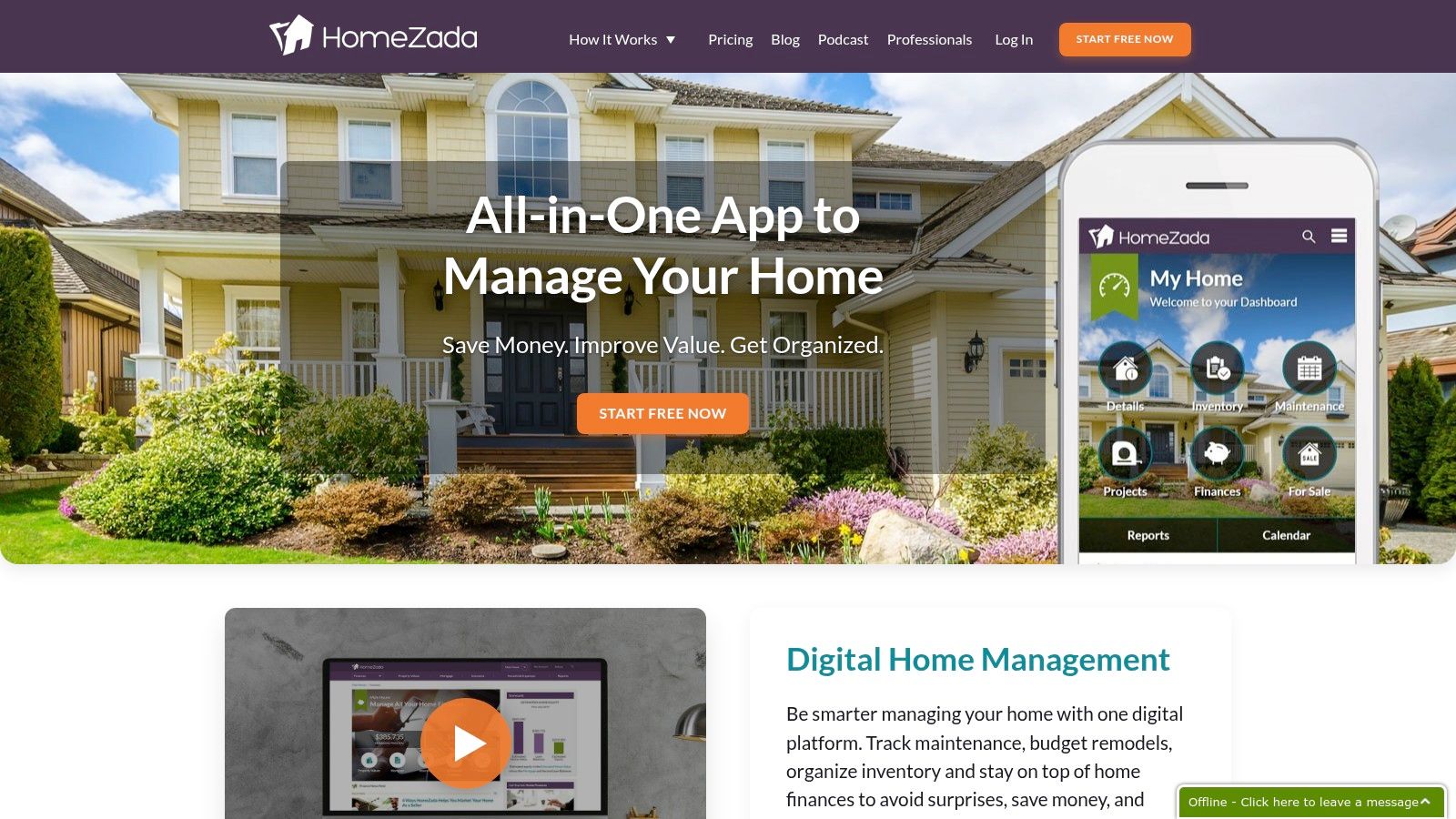
7. HomeZada
HomeZada is a comprehensive digital home management system, extending beyond a simple home improvement project planner. It offers an integrated suite of tools to manage maintenance schedules, inventory, and full-scale renovations.
For residents in Monterey County, this means you can plan a kitchen remodel in Salinas while also keeping a digital inventory of your valuables. The platform excels at connecting project costs directly to your home's overall financial picture.
Key Features and User Experience
HomeZada offers a free tier, but its most powerful project planning and financial tools are reserved for its premium subscription. The interface is clean, although the initial setup requires a significant time investment.
- Pros:
- All-in-one platform for projects, maintenance, inventory, and finance.
- Detailed budgeting and expense tracking capabilities.
- Cloud-based access from any device.
- Cons:
- The most useful features are behind a paywall.
- Can be time-consuming to set up initially.
A practical tip for new users is to start by tackling one room or project. For example, if you're planning an exterior paint job for your Pacific Grove home, use HomeZada to create a project plan, budget, and timeline.
Website: https://www.homezada.com
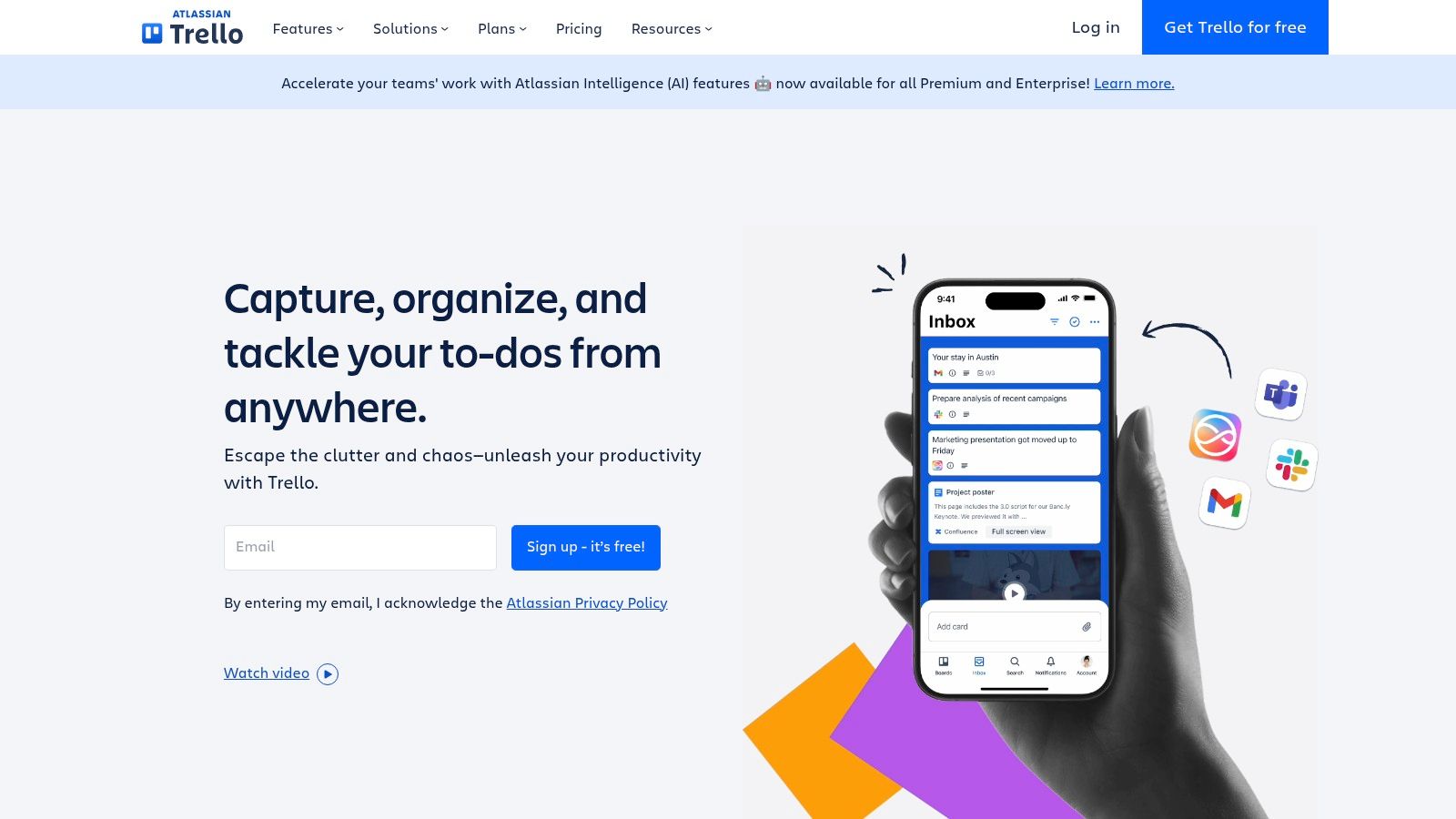
8. Trello
While not explicitly for home renovations, Trello’s flexibility makes it a powerful and highly adaptable home improvement project planner. It operates on the Kanban board methodology, allowing users to organize tasks visually into columns like "To Do," "In Progress," and "Done."
Its strength is its simplicity and customizability. You can create a dedicated board for your renovation, then add lists for each room or phase. This makes it easy for homeowners in Salinas or Pacific Grove to manage complex projects.
Key Features and User Experience
Trello's core features are available for free, which is more than enough for most home projects. The interface is clean, intuitive, and centered around its drag-and-drop functionality, making it easy to learn.
- Pros:
- Highly customizable boards, lists, and cards.
- Generous free version with substantial features.
- Integrates with numerous other applications like Google Drive and Slack.
- Cons:
- Requires initial setup to tailor it for home improvement needs.
- Lacks built-in budget templates or specific renovation tools.
A practical tip is to use labels to color-code tasks. For a major undertaking, like finding the best bathroom renovation services in Monterey, you can create a specific list to track contractor bids and timelines.
Website: https://trello.com
9. Chief Architect Home Designer Suite
For homeowners who want professional-level design, Chief Architect Home Designer Suite is a powerful home improvement project planner. It offers sophisticated 2D and 3D design software for creating detailed architectural plans.
This platform stands out by providing professional-grade tools accessible to consumers. For a homeowner in Pacific Grove planning a major kitchen remodel, this means you can visualize everything from cabinet layouts to structural changes with precision.
Key Features and User Experience
Chief Architect is paid software with a one-time purchase fee. Its extensive features come with a steeper learning curve than most web-based planners.
- Pros:
- Professional-grade features for detailed, accurate plans.
- Powerful 3D visualization and virtual tour capabilities.
- Extensive library of materials, fixtures, and furniture.
- Cons:
- Significant upfront cost compared to free or subscription tools.
- Can be overwhelming for users new to design software.
A practical tip for new users is to start with the built-in tutorials. For a complex project, like adding a second story to a home in Salinas, this tool can save significant time and money by resolving design issues before construction begins.
Website: https://www.chiefarchitect.com/products/home-designer/
10. Build Planner Pro
Build Planner Pro is a robust software for those taking a hands-on approach to home construction or major renovations. It functions as a powerful digital home improvement project planner focused on logistical and financial intricacies.
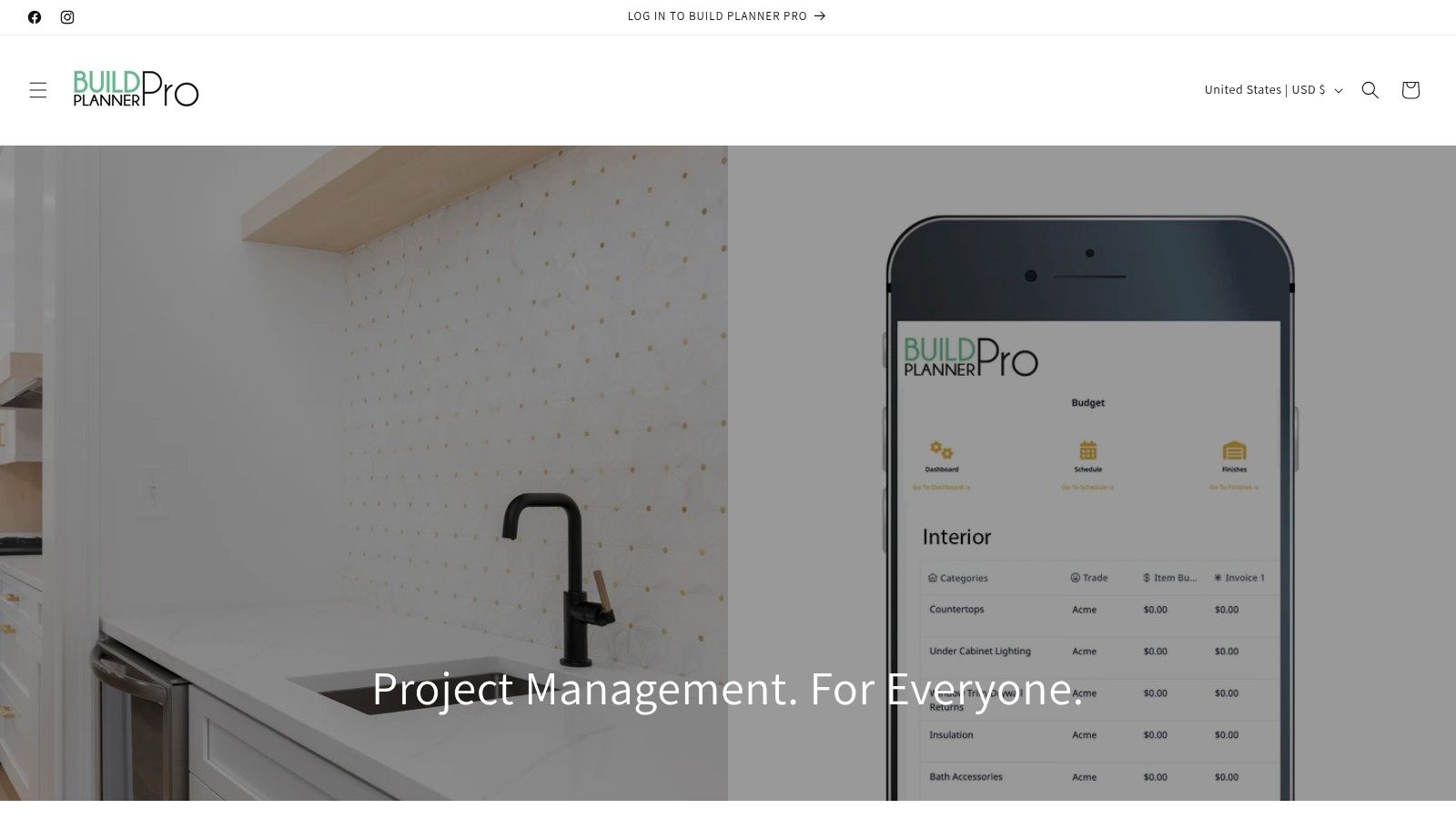
The platform’s core strength is its builder-centric design. You can create detailed budgets, develop construction schedules, and maintain organized purchase lists. For homeowners in Monterey County managing their own large-scale projects, this tool provides the structure needed to keep a complex Salinas renovation on track.
Key Features and User Experience
Build Planner Pro is offered as a one-time purchase, a significant advantage over subscriptions. While comprehensive, new users may face a learning curve to utilize its full potential.
- Pros:
- Specifically tailored for builders and serious home renovators.
- In-depth budgeting, scheduling, and purchasing features.
- One-time purchase model with no recurring subscription fees.
- Cons:
- Overly complex for simple DIY or cosmetic updates.
- Steeper learning curve compared to more general-purpose planners.
A practical tip is to start with a smaller, hypothetical project to familiarize yourself with the scheduling and budgeting tools before applying them to your actual renovation.
Website: https://buildplanner.pro/
11. Homeplanner
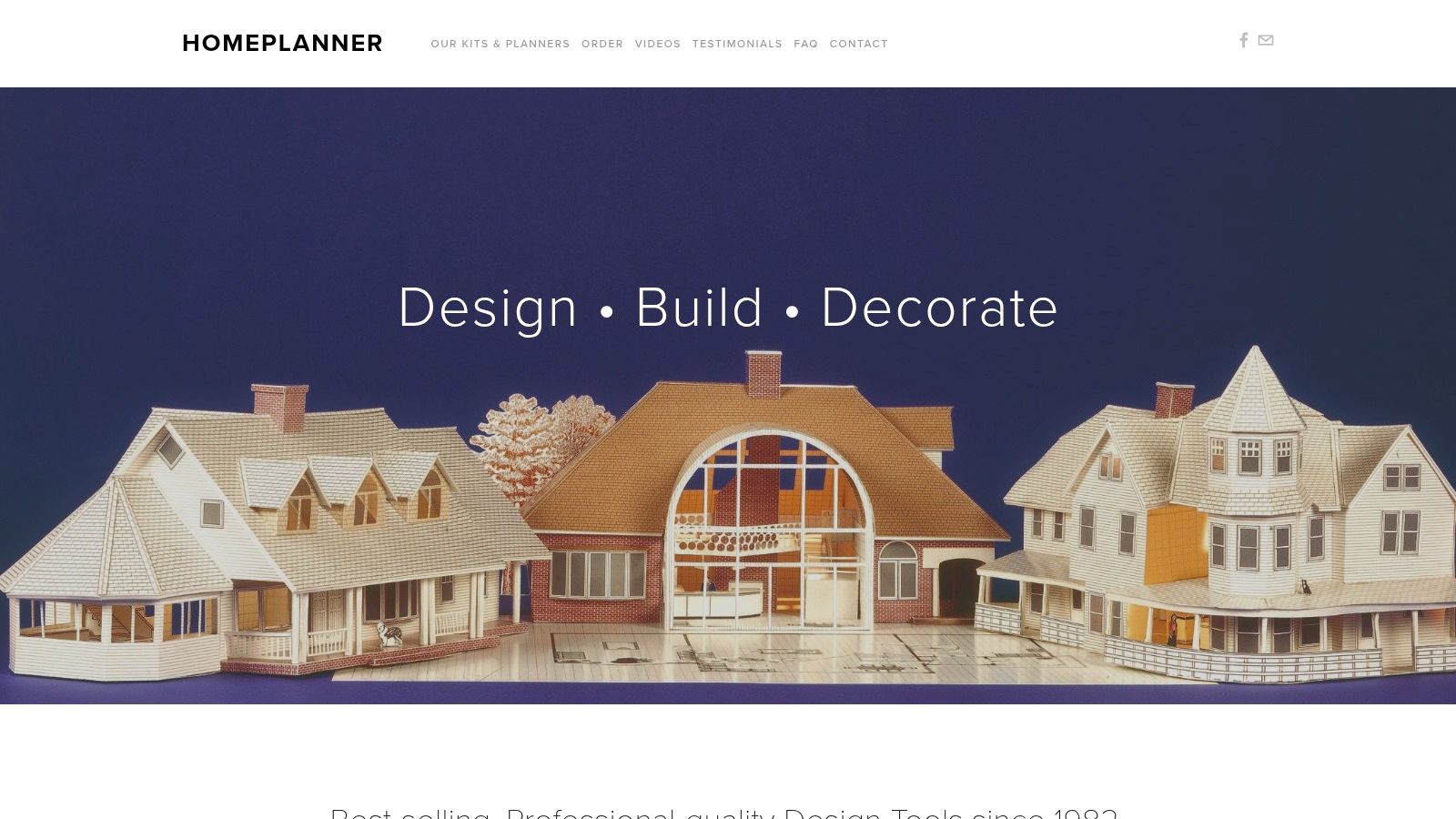
For those who prefer a more tactile approach, Homeplanner offers a unique alternative to digital-only tools. It provides physical, professional-quality kits to construct and visualize designs in a tangible way, making it a distinct home improvement project planner.
The platform's core offerings are its physical kits, such as the 3-D Home Kit and the Home Quick Planner. This old-school approach can be helpful for homeowners in Monterey County who want to physically map out a room’s potential before committing to major changes.
Key Features and User Experience
Homeplanner's products must be purchased, with pricing varying by the kit. The experience is entirely offline and interactive, offering a refreshing break from software-based planning.
- Pros:
- Highly interactive, hands-on design process.
- No software installation or digital learning curve.
- Great for visualizing space and furniture placement accurately.
- Cons:
- Physical kits may not appeal to tech-savvy users.
- Design possibilities are limited to the components included in the kit.
A practical tip is to use the Home Quick Planner to finalize your layout before moving on to cosmetic details. Seeing the space physically mapped out can highlight preparation needs you might otherwise overlook.
Website: https://www.homeplanner.com/
12. DreamPlan Home Design Software by NCH Software
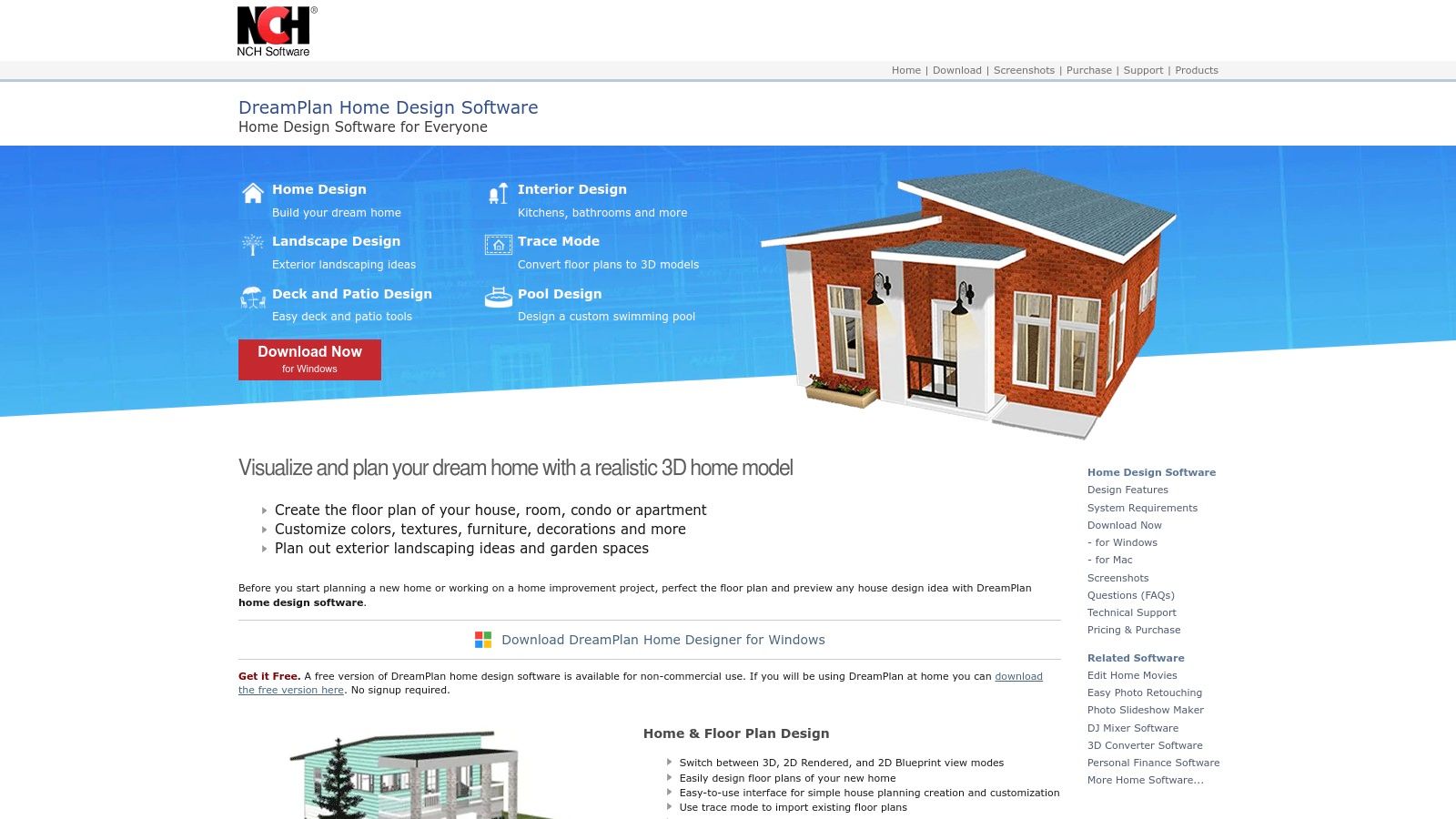
DreamPlan Home Design Software is a powerful desktop home improvement project planner for homeowners who prefer a hands-on, visual approach. It allows you to build a detailed 3D model of your project to experiment with layouts, finishes, and landscaping.
Unlike purely cloud-based platforms, DreamPlan gives you the ability to work offline. For Monterey County residents planning a backyard renovation or a new deck to enjoy the coastal views, its landscaping tools are a significant advantage.
Key Features and User Experience
DreamPlan is downloadable software that offers a free version for non-commercial use, with more features available in its paid editions. The interface is more traditional but is generally user-friendly.
- Pros:
- Affordable one-time purchase price for a perpetual license.
- Excellent for both interior and exterior project visualization.
- Allows detailed customization of structures, furniture, and landscapes.
- Cons:
- The user interface can feel dated compared to modern web platforms.
- Lacks the collaboration and professional-finding features of platforms like Houzz.
A useful tip is to start by tracing an existing floor plan to create an accurate base model of your home. This makes planning renovations in specific rooms, like a kitchen remodel in a Salinas home, much more efficient.
Website: https://www.nchsoftware.com/design/
Feature Overview of 12 Home Improvement Planners
| Tool/Software | Core Features & Unique Points | User Experience & Quality ★ | Value & Pricing 💰 | Target Audience 👥 | Notable Highlights 🏆 |
|---|---|---|---|---|---|
| Houzz – Projects from Houzz | Project planning, budget tools, design ideas ✨ | User-friendly, large community ★★★★ | Free access 💰 | Homeowners, pros, real estate agents 👥 | Extensive pro network ✨ |
| Planner 5D | 2D/3D floor plans, VR support, drag/drop library ✨ | High-quality 3D, easy interface ★★★★ | Free + subscription 💰 | DIYers, designers, remodelers 👥 | VR design, browser-based ✨ |
| RoomSketcher | Floor plans, 3D photos, templates | Beginner-friendly, professional output ★★★ | Affordable subscription 💰 | Homeowners, small pros, remodelers 👥 | 360° views, templates ✨ |
| ClickUp – Project Planner Template | Task tracking, Gantt, collaboration | Customizable, learning curve ★★★ | Free + paid features 💰 | Families, teams, home project managers 👥 | Collaboration focus ✨ |
| Magicplan | AR room measurement, 2D/3D plans | Mobile-friendly, fast scanning ★★★★ | Free + subscription 💰 | Pros & DIYers, mobile users 👥 | AR measurement ✨ |
| Lowe’s Digital Tools | Room visualizer, color tools, material calculators | Intuitive, integrated with Lowe’s ★★★★ | Free 💰 | DIYers, Lowe’s shoppers 👥 | Direct product integration 🏆 |
| HomeZada | Budgeting, scheduling, home inventory | Comprehensive, cloud access ★★★ | Free + subscription 💰 | Homeowners managing projects 👥 | All-in-one home management ✨ |
| Trello | Task boards, deadlines, collaboration | Flexible, highly customizable ★★★ | Free + paid plans 💰 | Project teams, families, homeowners 👥 | Versatile for all projects ✨ |
| Chief Architect Home Designer Suite | Arch. objects, automation, 3D rendering | Professional, feature-rich ★★★★ | Higher cost 💰 | Professionals, advanced users 👥 | Pro-grade design tools 🏆 |
| Build Planner Pro | Budgeting, scheduling, purchase list management | Builder-focused, comprehensive ★★★ | One-time purchase 💰 | Builders, renovators 👥 | No subscription fees 🏆 |
| Homeplanner | 3D Home Kit, peel-and-stick planner | Interactive, no software needed ★★★ | Paid kits 💰 | Architects, DIYers, amateurs 👥 | Physical kits, hands-on ✨ |
| DreamPlan Home Design Software | 3D/2D views, furniture & landscape library | User-friendly, some outdated features ★★★ | Affordable 💰 | Homeowners, landscapers 👥 | Multi-story & landscaping ✨ |
Frequently Asked Questions (FAQs)
1. What is the best home improvement project planner for beginners?
For beginners, visual and user-friendly tools like Houzz or RoomSketcher are excellent choices. They offer simple interfaces, vast libraries of inspiration, and don't require any technical design skill to get started.
2. How much does a home renovation project planner cost?
Costs vary widely. Many powerful planners like Trello, ClickUp's template, and Lowe's Digital Tools are free. Others like Planner 5D and RoomSketcher use a "freemium" model, while professional-grade software like Chief Architect requires a one-time purchase.
3. Do I need a planner if I hire a contractor for my Salinas home renovation?
Yes, it's still highly recommended. A planner helps you organize your ideas, budget, and inspiration in one place, which facilitates clearer communication with your contractor. It ensures everyone is aligned on the vision and scope of the project.
4. Can these planners help me estimate my project's cost?
Many planners, including HomeZada and Build Planner Pro, have built-in budgeting and cost estimation tools. While they provide a good baseline, we always recommend getting a detailed quote from a local professional in Carmel or Monterey for the most accurate figures. According to a 2022 Houzz & Home Study, the median spend on kitchen remodels rose to $20,000, showcasing the importance of accurate budgeting.
5. How can a planner help with an interior painting project in Monterey?
A planner can help you track paint color options, create a budget for supplies and labor, and schedule the work. Tools with visualizers, like Lowe's or Planner 5D, even let you "test" colors on your virtual walls before you buy paint.
Final Thoughts
Embarking on a home renovation, whether it's an interior repaint in Salinas or a major exterior overhaul in Carmel, is a significant undertaking. As we've explored, the right digital home improvement project planner is a fundamental tool for success, clarity, and peace of mind.
The key takeaway is that the ideal choice is deeply personal and depends entirely on your specific needs. The best planner for you in Monterey County might be different from what someone else needs.
How to Choose Your Perfect Planner
To find the right fit, start by assessing your project's complexity and your personal organizational style.
- For Visual Thinkers and Space Planners: Tools like Houzz, Planner 5D, and Chief Architect are invaluable. They excel at floor plans and 3D renderings, making them perfect for homeowners in Pacific Grove planning a layout change.
- For Task-Oriented Organizers: If your primary concern is managing timelines and budgets, a project management tool is your best bet. Trello's simple boards or ClickUp's templates can transform a chaotic process into a structured plan.
- For All-in-One Financial and Project Tracking: For a holistic view, platforms like HomeZada and Build Planner Pro offer comprehensive solutions to track your renovation ROI and manage expenses.
"A well-managed plan is your greatest asset. It's the bridge between your vision and a finished project that meets your expectations, on time and on budget."
Once you've selected a home improvement project planner, take the time to set it up properly. Input all known project details, including your budget, inspirational photos, and a preliminary timeline. Remember that your plan will evolve, so use your planner to document every change. This creates a single source of truth, minimizing miscommunication and ensuring your project stays on track.
While a digital home improvement project planner is essential for organization, executing the vision requires skilled, reliable professionals. For homeowners in Monterey, Carmel, and beyond, Legacy Painting & Renovating Inc. bridges the gap between your plan and a beautifully finished reality. Contact us for a free estimate to see how our expert team can bring your meticulously planned project to life with precision and care.